
What’s up, guys? Today, we’re going to take a look at the Best Budget Laser Engraver options you can buy in 2026. If you’re searching for the best affordable laser engraver for beginners, home projects, small businesses, or creative DIY work, choosing the right machine can make a huge difference. Not every low-cost laser engraver delivers the same results, and some models focus more on marketing numbers than real performance.
In this guide, we’ll break down the Top 5 Best Budget Laser Engravers and look at what actually matters before you buy. We’ll compare important things like engraving quality, cutting ability, ease of use, safety features, software support, and overall value for money. Whether you want to create custom wood signs, personalize gifts, engrave leather, make artwork, or start a small engraving business, there’s a machine that can fit your needs.
We’ll also cover the best budget laser cutter and engraver combinations for different types of users, including beginner-friendly laser engravers, affordable diode laser engravers, and budget-friendly machines that can handle more advanced projects. Some picks are perfect if you’re just getting started and want to learn without spending too much, while others offer more power and features for users who want to grow their skills.
The goal of this video is simple: help you find a reliable budget laser engraver that gives you the best results without wasting your money. We’ll show you the strengths, weaknesses, and real-world benefits of each option so you can choose the right one with confidence.
Alright, let’s get started.
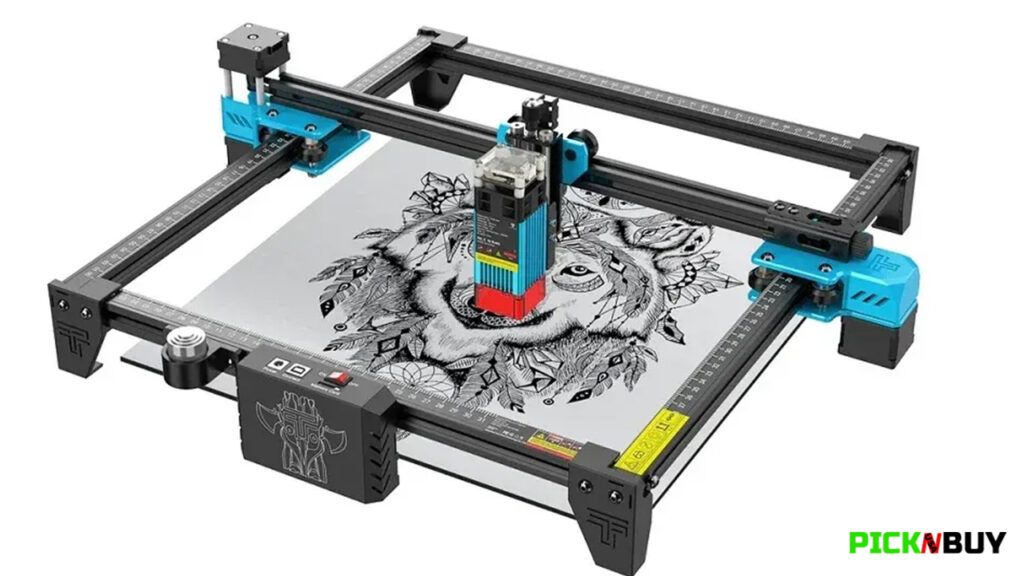
5. Two Trees TTS-55 Pro Best Budget Laser Engraver
Pros:
- Honest 5.5W optical laser power
- Includes air assist nozzle
- Works with popular engraving software
- Good for beginners and weekend projects
Cons:
- Not ideal for deep cutting or thicker materials
- Requires multiple passes for larger cuts
- Not a good choice for brass or copper engraving
This is best for beginners who want to learn laser engraving with wood, tile, and simple custom projects. The biggest limitation is cutting power, but if your goal is learning and creating small projects, the Two Trees TTS-55 Pro offers a solid entry point without a big investment.
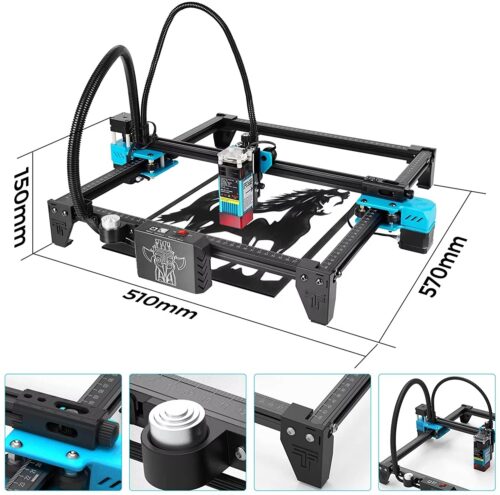
The Two Trees TTS-55 Pro is a great starting point for anyone who wants to try laser engraving without spending too much money. Its 5.5W optical output makes it suitable for hobby projects like wood engraving, leather designs, slate, ceramic tiles, and coated surfaces. What I like most is that it includes an air assist nozzle, which helps clear smoke and debris during cutting, giving you cleaner results compared to many entry-level machines. It also works with LightBurn and LaserGRBL, so you have more control instead of being locked into one software.
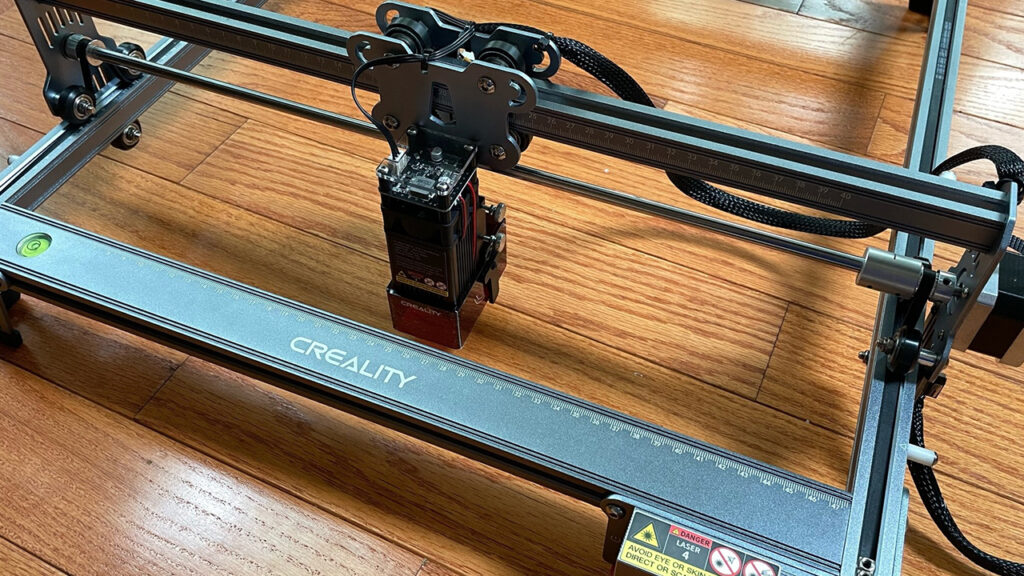
4. Creality Falcon 10W
Pros:
- Excellent engraving detail and precision
- Good results on wood, stainless steel, and ceramic
- Works with LightBurn and LaserGRBL
- Open software support on Mac and Windows
Cons:
- Needs some belt adjustment for best accuracy
- No built-in screen, so it requires a computer connection
- Open-frame design needs proper ventilation and eye protection
This is best for creators who want clean engraving results without moving into expensive machines. The main downside is that it takes a little setup and adjustment, but once tuned correctly, the Creality Falcon 10W delivers impressive detail for its price. It’s a reliable pick for hobbyists who value precision over heavy cutting.
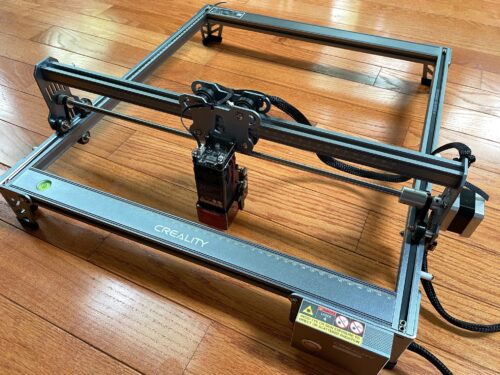
The Creality Falcon 10W is a strong choice for people who care more about engraving detail than raw cutting power. With its 10W optical output and small focus point, it does a great job handling detailed designs, small lettering, and photo engravings on materials like wood, stainless steel, and ceramic. The fine laser spot helps keep lines sharp instead of making detailed work look blurry. It can also cut materials like basswood and dark acrylic, although thicker pieces may require slower speeds and multiple passes.
3. Longer Ray 5 20W
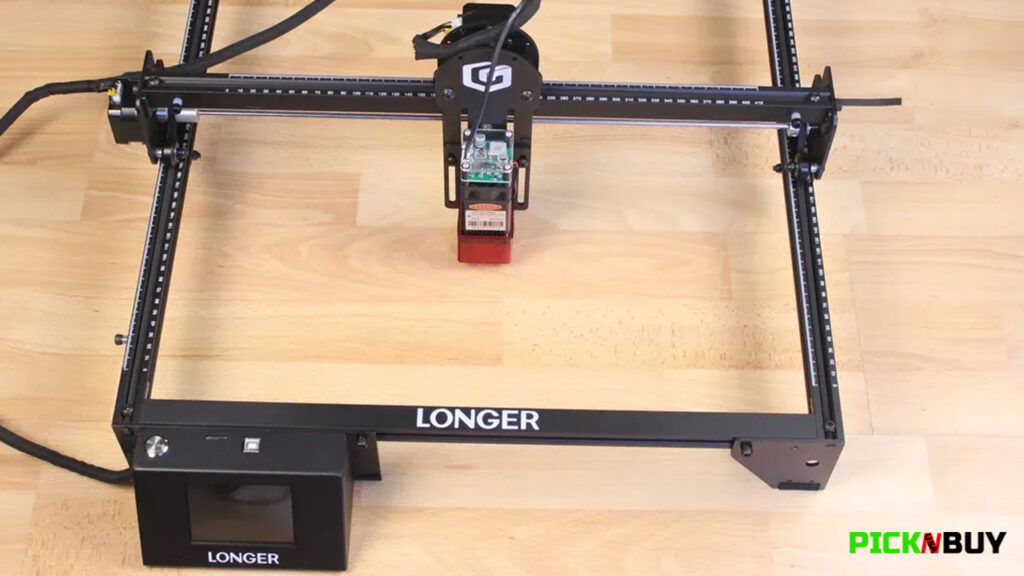
Pros:
- Powerful 20W optical output for deeper cuts
- Includes enclosure and safety features
- Touchscreen and memory card support
- Works with LightBurn and LaserGRBL
Cons:
- More expensive than basic beginner models
- Maximum cutting claims require multiple passes
- Still needs proper ventilation for fumes
This is best for users who want to move beyond simple engraving and start making real products. The extra power, safety features, and easier workflow make it a strong choice for small businesses and serious hobbyists.
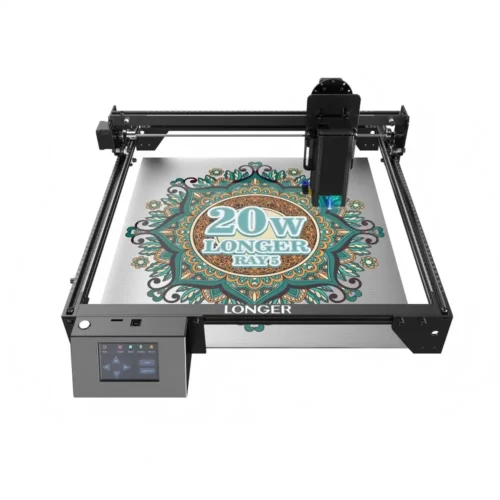
The Longer Ray 5 20W is the machine to consider if you want more cutting ability instead of just engraving. Its 20W optical output gives it a big advantage over lower-power budget lasers, allowing you to work with thicker wood and acrylic for more serious projects. This is the kind of upgrade that makes sense for people creating signs, coasters, or small batches of products because you spend less time doing repeated passes.
One thing that separates it from the earlier picks is the included enclosure and added safety features. It comes with a shield on the laser head, emergency stop, overheat protection, and motion cut-off, making it a better option for people setting it up closer to living spaces. It also includes a touchscreen and memory card slot, so you can run projects without always being connected to a computer.
2. Creality Falcon 10W with Rotary Roller
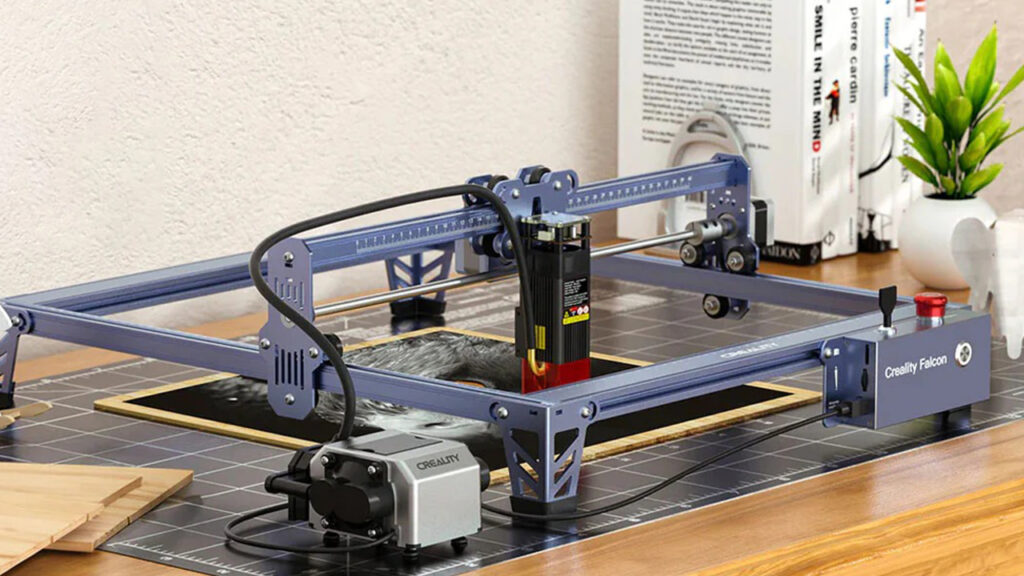
Pros:
- Includes a 4-in-1 rotary roller
- Great for tumblers, mugs, and personalized products
- Good engraving quality and accuracy
- Adjustable air assist included
Cons:
- Not the best choice for heavy cutting jobs
- Cannot cut clear acrylic
- Open-frame design requires safety precautions
This is best for creators who want to make personalized gifts or sell custom drinkware and accessories. If your main goal is curved item engraving, this machine saves you the extra cost of buying a rotary attachment separately. It’s a practical choice for small custom businesses and creative hobbyists.
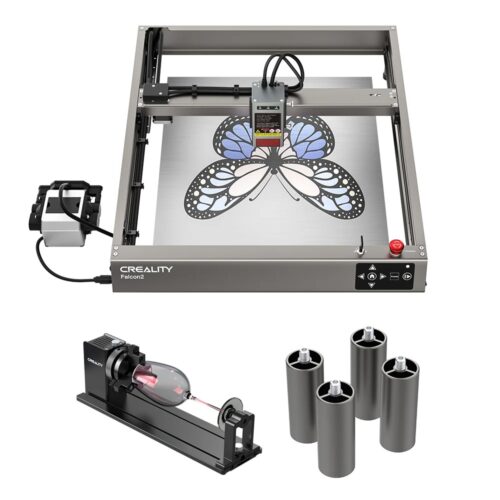
The Creality Falcon 10W is a great option for anyone who wants to engrave more than just flat surfaces. Its biggest advantage is the included 4-in-1 rotary roller, which lets you customize curved items like tumblers, mugs, pens, rings, and other cylindrical products. Instead of trying to manually position these items, the rotary attachment turns the object while the laser works, helping create cleaner wrapped designs.
The 10W optical output gives it enough power for materials like wood, coated metal, ceramic, dark acrylic, and leather. It also offers strong repeatability, which helps keep designs aligned when working around curved surfaces. The adjustable air pump is another useful addition because it helps move smoke away from the engraving area for cleaner results.
1. WalkSnail L2 Max 10W
Pros:
- Full enclosed design for safer indoor use
- Great engraving detail and accuracy
- Multiple connection options
- Beginner-friendly setup
Cons:
- Air assist and rotary accessories are sold separately
- Not designed for deep metal cutting
- Still requires proper ventilation for fumes
This is best for beginners who want a safer laser engraver without needing a garage or workshop. It may not have the highest power on the list, but the combination of safety, convenience, and reliable engraving performance makes it the easiest machine to recommend for most buyers.
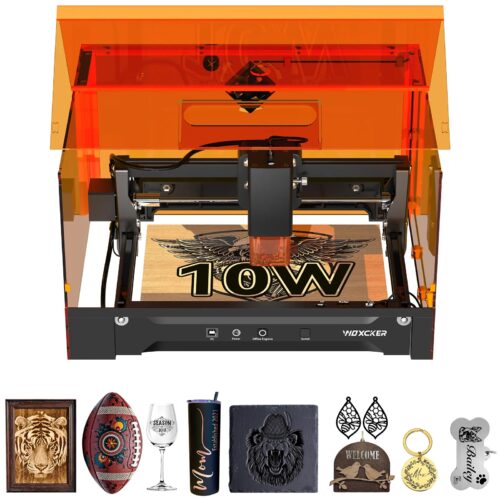
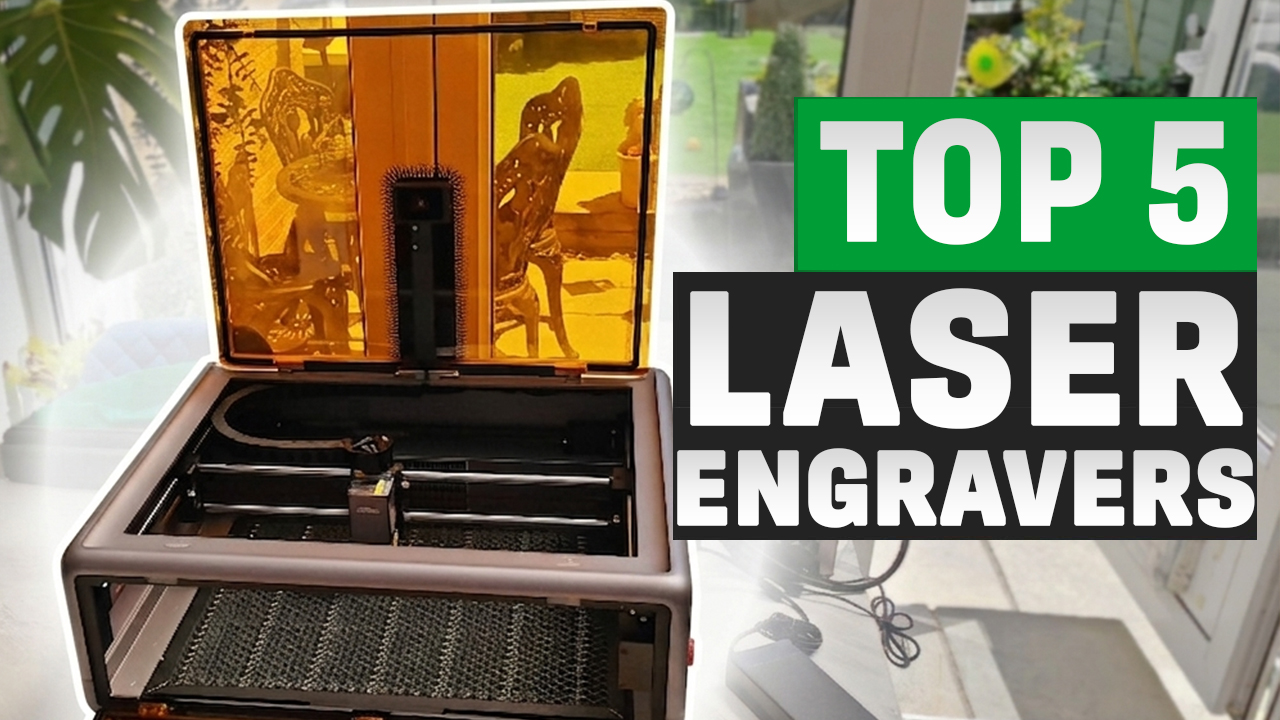
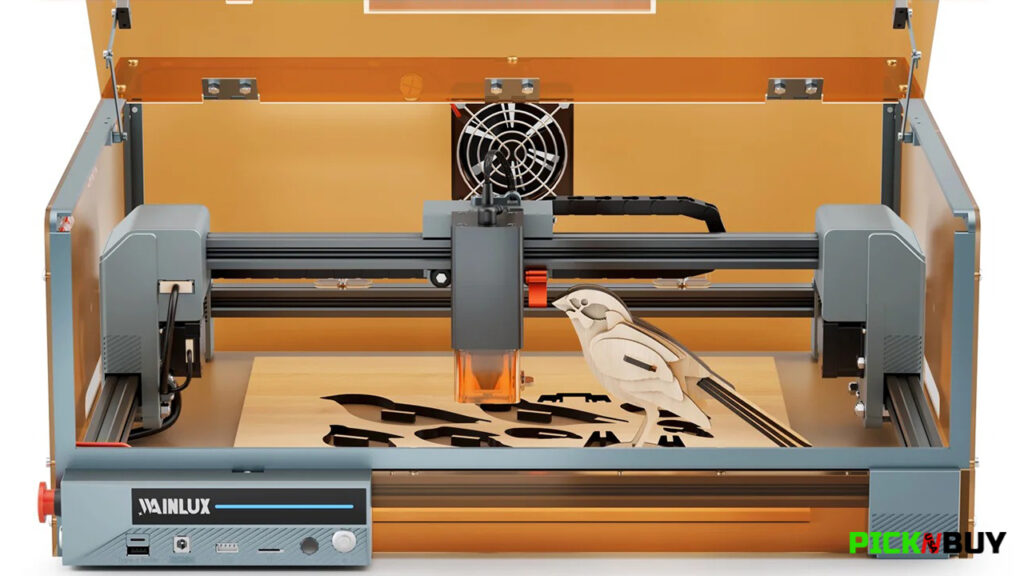
The WalkSnail L2 Max 10W takes the top spot because it solves one of the biggest problems with budget laser engravers: safety and convenience. Unlike most open-frame machines, this one comes with a full enclosure, which makes it much easier to use in a home environment. The lid automatically stops the laser when opened, and it also includes features like a flame sensor, emergency stop, and tilt protection for added peace of mind.
With its 10W optical output and tight focus point, this machine is built for detailed engraving. Small lettering, photo engravings, and creative designs stay cleaner because the focused beam helps prevent blurry results. The 300 x 300 mm working area is also large enough for common projects like signs, coasters, and small batches. It supports LightBurn and LaserGRBL, and you can run projects through Wi-Fi, USB, a phone app, or a memory card.
If you’re still searching for the Best Budget Laser Engraver in 2026, the right choice really depends on what kind of projects you want to create.
For beginners who want an affordable way to learn laser engraving, the Two Trees TTS-55 Pro is a solid starting point. If your priority is sharp details and clean designs, the Creality Falcon 10W is a great option. For users who need more cutting power for signs, crafts, and small business projects, the Longer Ray 5 20W offers the extra performance you need.
If you’re planning to personalize tumblers, mugs, and curved items, the Creality Falcon 10W with Rotary Roller is the better fit. But if you want the safest and most beginner-friendly machine for home use, the WalkSnail L2 Max 10W stands out as the best overall pick.
Before you buy, always check the actual laser output, included accessories, safety features, and the type of materials you plan to engrave. A cheaper machine is not always the better deal if you need to upgrade everything later.
Check the latest prices and availability using the links below, and choose the Best Budget Laser Engraver that matches your projects and your budget.